IT · 2026-10-30
First Impressions of Apple’s Touchscreen MacBook Pro: OLED, Dynamic Island, and What’s Changed?
Apple has unveiled a MacBook Pro with a touchscreen. It supports direct swiping and pinch-to-zoom gestures, and it also comes with an OLED XDR display and Dynamic Island. That said, the convenience of touch controls and the lack of Apple Pencil support still leave something to be desired.
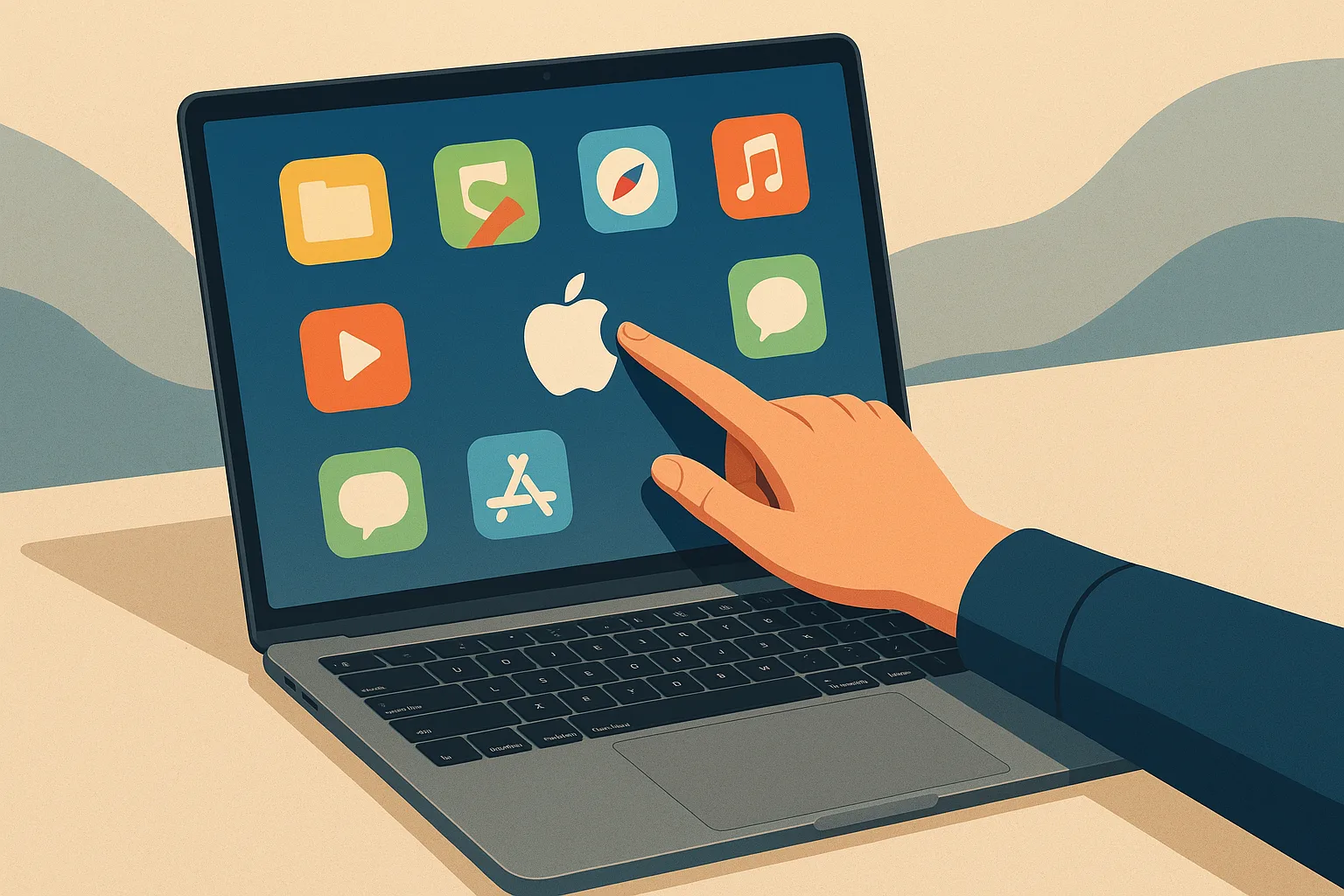
Apple has finally introduced a touchscreen MacBook Pro. Up to now, MacBooks have been used mainly with the keyboard and trackpad, but this new model adds direct touch input while keeping the familiar MacBook Pro design. Still, how convenient it will actually be to touch a laptop screen in everyday use is another matter.
Touch input works in the expected ways, such as scrolling through web pages with your finger or zooming in with two fingers. You can also double-tap a window to enlarge it. It works naturally in Apple’s own apps, and some apps that have not been updated for touch support reportedly treat taps like clicks. That said, accurately pressing small buttons with your finger can still be cumbersome.
To reduce that inconvenience, Apple has added a feature that enlarges certain on-screen elements when you tap them. For example, the close, minimize, and maximize buttons on windows, as well as drop-down menus, become larger and easier to hit with your finger. Even so, the ergonomic limitations of using touch on a laptop do not disappear. You have to lift your arm to touch the screen, and one user impression noted that pressing too firmly could make the hinge wobble.
The display is an OLED XDR panel. In the first impressions, it was described as bright, vivid, and impressive in color and contrast, but it’s hard to say exactly how much better it is because there wasn’t enough time to compare it side by side with the existing Liquid Retina display. At the top of the screen, there is Dynamic Island instead of a notch. It shows information such as what music is currently playing, and you can tap it to access related controls. Sliders that appear when adjusting brightness and volume are also displayed in this area.
On the outside, the return of the glowing Apple logo also stands out. The logo’s brightness adjusts according to the screen brightness, and it can reportedly be turned off if desired. The 14-inch model is said to weigh 3 pounds, while the 16-inch model weighs 4 pounds. Compared with the non-touch model mentioned as a reference, it seems lighter, and the 16-inch version is also slightly thinner and a bit smaller. Still, the material feel does not seem very different from recent MacBook Pro models.
Price is an important factor when deciding whether to buy. According to the article, the touchscreen OLED model starts at $2,899, which is $400 more than a similarly configured M5 Pro MacBook Pro. The lack of Apple Pencil support is another disappointment. Even though the device emphasizes direct on-screen interaction, it does not offer pen input for note-taking or drawing.
Based on these first impressions alone, this product seems less like a complete reinvention of the MacBook and more like a MacBook Pro that simply adds touch as an option. It could be convenient for users who rely on touch often, but the inconvenience of tapping small interface elements with your fingers and the added cost are both worth considering. The product’s key features and user impressions were covered in a hands-on report by The Verge.
Touch input works in the expected ways, such as scrolling through web pages with your finger or zooming in with two fingers. You can also double-tap a window to enlarge it. It works naturally in Apple’s own apps, and some apps that have not been updated for touch support reportedly treat taps like clicks. That said, accurately pressing small buttons with your finger can still be cumbersome.
To reduce that inconvenience, Apple has added a feature that enlarges certain on-screen elements when you tap them. For example, the close, minimize, and maximize buttons on windows, as well as drop-down menus, become larger and easier to hit with your finger. Even so, the ergonomic limitations of using touch on a laptop do not disappear. You have to lift your arm to touch the screen, and one user impression noted that pressing too firmly could make the hinge wobble.
The display is an OLED XDR panel. In the first impressions, it was described as bright, vivid, and impressive in color and contrast, but it’s hard to say exactly how much better it is because there wasn’t enough time to compare it side by side with the existing Liquid Retina display. At the top of the screen, there is Dynamic Island instead of a notch. It shows information such as what music is currently playing, and you can tap it to access related controls. Sliders that appear when adjusting brightness and volume are also displayed in this area.
On the outside, the return of the glowing Apple logo also stands out. The logo’s brightness adjusts according to the screen brightness, and it can reportedly be turned off if desired. The 14-inch model is said to weigh 3 pounds, while the 16-inch model weighs 4 pounds. Compared with the non-touch model mentioned as a reference, it seems lighter, and the 16-inch version is also slightly thinner and a bit smaller. Still, the material feel does not seem very different from recent MacBook Pro models.
Price is an important factor when deciding whether to buy. According to the article, the touchscreen OLED model starts at $2,899, which is $400 more than a similarly configured M5 Pro MacBook Pro. The lack of Apple Pencil support is another disappointment. Even though the device emphasizes direct on-screen interaction, it does not offer pen input for note-taking or drawing.
Based on these first impressions alone, this product seems less like a complete reinvention of the MacBook and more like a MacBook Pro that simply adds touch as an option. It could be convenient for users who rely on touch often, but the inconvenience of tapping small interface elements with your fingers and the added cost are both worth considering. The product’s key features and user impressions were covered in a hands-on report by The Verge.
Related search terms
#touchscreen MacBook Pro#Apple OLED XDR display#MacBook Pro Dynamic Island#Apple Pencil support on MacBook Pro#14-inch and 16-inch MacBook Pro#The Verge hands-on MacBook Pro#Apple touch laptop